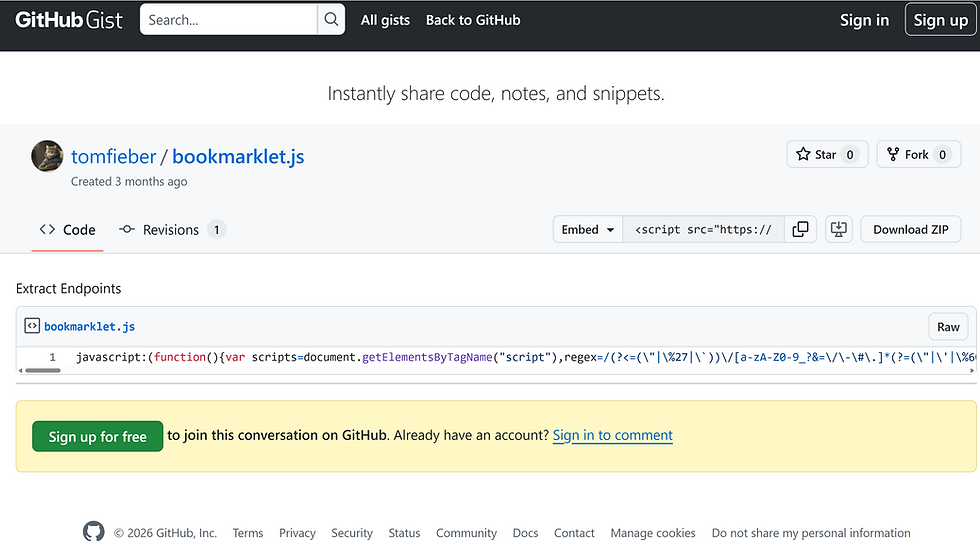
BugForge Write-Up 3/5/2026
- icanhaspii
- Mar 5
- 2 min read
BugForge Daily Challenge 3/5/2026 - Sokudo

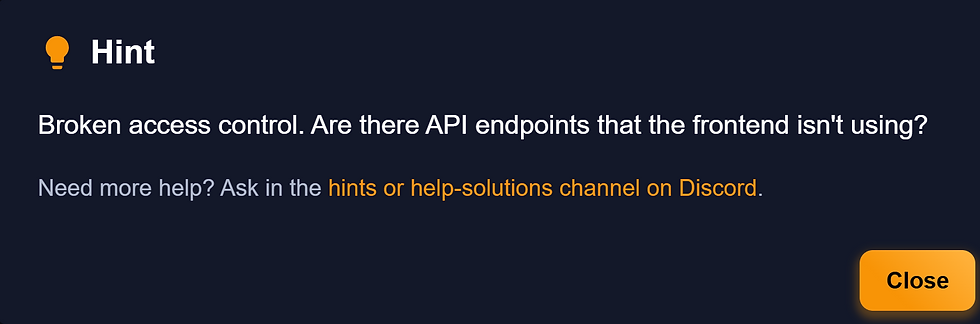
Hint: Broken access control. Are there API endpoints that the frontend isn't using?
Note:
If there is an admin account active for a lab, the credentials are admin:admin123
I launched Caido.
I checked to see if there was an admin login using the set/known creds, and there was. I logged out of that for now.
Following along with the @PawPawHacks/Tom Fieber video walkthrough, I created a user account, and once logged in, the app appeared to be an online platform to test your typing speed. I tried to do everything I could with the app, in order to generate some traffic to view via the proxy. I took a couple typing tests, viewed the Dashboard, checked my stats, etc.
I hit the "Practice" button, chose "15S", then hit "Start Session" to run a quick speed test.
Then, I hit the "Stats" button and I saw myself on the leaderboard.

Next, over in my Caido proxy traffic tab, I found the "GET /api/stats" entry and right-clicked and selected, "Send to Replay -> Default Collection":

Now, over in the "Replay" tab, I hit the "Send" button so that we have a baseline of what the traffic "Response" looks like.
Next, still in the "Replay" tab, in the left-hand "Request" window, right-click and select "Toggle GET/POST". Notice that the following changed:
GET /api/stats HTTP/1.1
to:
POST /api/stats HTTP/1.1
Now, in the right-hand "Response" window, copy everything in the curly brackets (including them in the copy as well), and then paste that over into the left-hand "Request" window:
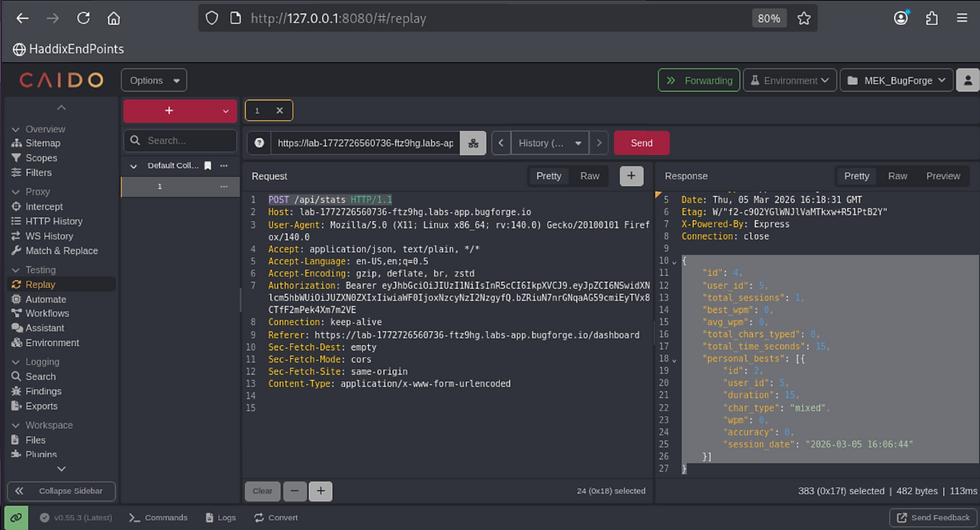
{
    "id": 4,
    "user_id": 5,
    "total_sessions": 1,
    "best_wpm": 0,
    "avg_wpm": 0,
    "total_chars_typed": 0,
    "total_time_seconds": 15,
    "personal_bests": [{
        "id": 2,
        "user_id": 5,
        "duration": 15,
        "char_type": "mixed",
        "wpm": 0,
        "accuracy": 0,
        "session_date": "2026-03-05 16:06:44"
    }]
}
Next, over in the left-hand "Request" window, change the following:
"Content-Type: application/x-www-form-urlencoded"to:
"Content-Type: application/json"AND then also change the wpm to 1000:

Now, if we hit the red "Send" button, we get an error that we "Cannot POST":
Still in our Caido "Replay" tab, over in the left-hand "Request" pane, let's change that first line from "POST" to "PUT" (and make sure you are still sending "application/json"), then hit the red "Send" button again, and we get the flag!!!
{
"message": "Stats updated successfully",
"flag": "bug{********************************}"
}

##### End of Report #####