Bug Hunting New Tool 5/2/2026
- icanhaspii
- May 2
- 2 min read
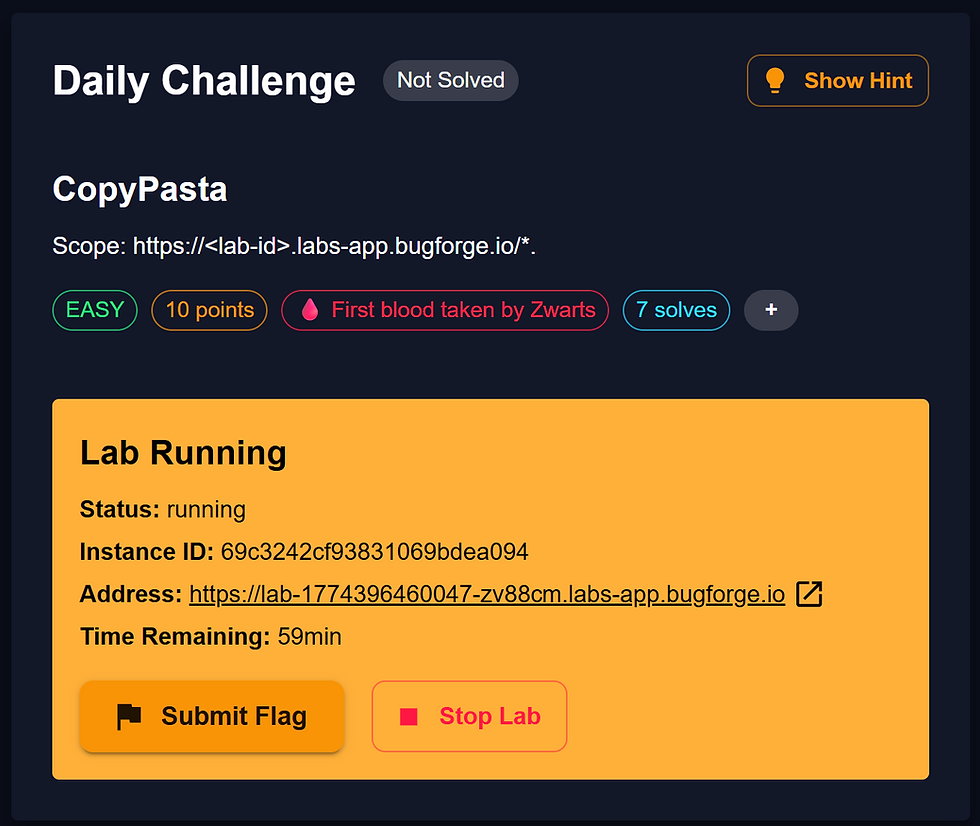
Bug Hunting 5/2/2026 - New Tool for Hunting for Endpoints
There is no shortage of tools for Security Researchers, I like free ones, but I do try to give back to the community as well, and I encourage you...if you find a tool that is useful to you, let the author know, even if you can’t donate, you can always send a kind thank-you note.
OK, with that out of the way, there’s a wonderful tool that we can use to help us find endpoints on a target. I believe it was originally developed by @renniepak and then @Jhaddix modded it, but our very own BugForger and AMAZING @PawPawHacks/Tom Fieber has tweaked it! Mr. Fieber has added a "Copy" feature, which I found incredibly helpful! The tool was new to me, so here's my breakdown of how I got it to run seamlessly:
a) Navigate to the @PawPawHacks/Tom Fieber Gist:
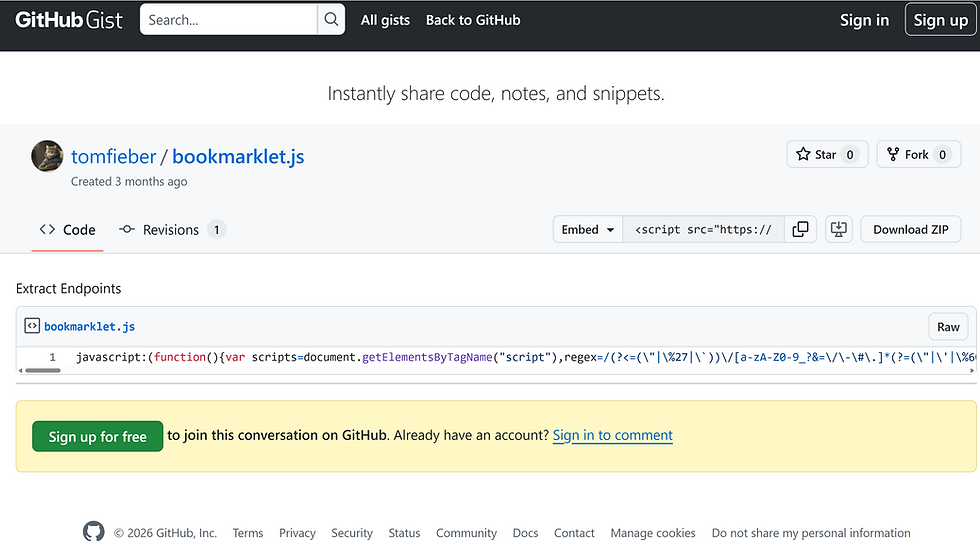
b) Click on the "Raw" button, and it should take you to a page of JavaScript code:

Author’s Note: Silly OSINT Easter Egg...From the screen-shot, what is one of my hobbies?
c) Select all of it with your cursor and choose "Copy":

d) Right-click on the upper-right corner of your browser and select "Add Bookmark":

e) Name your new Bookmark (I called mine: "PawPawHacksHaddixUpgrade") and then paste all of that copied JavaScript code right into the "URL" field and click "Save":
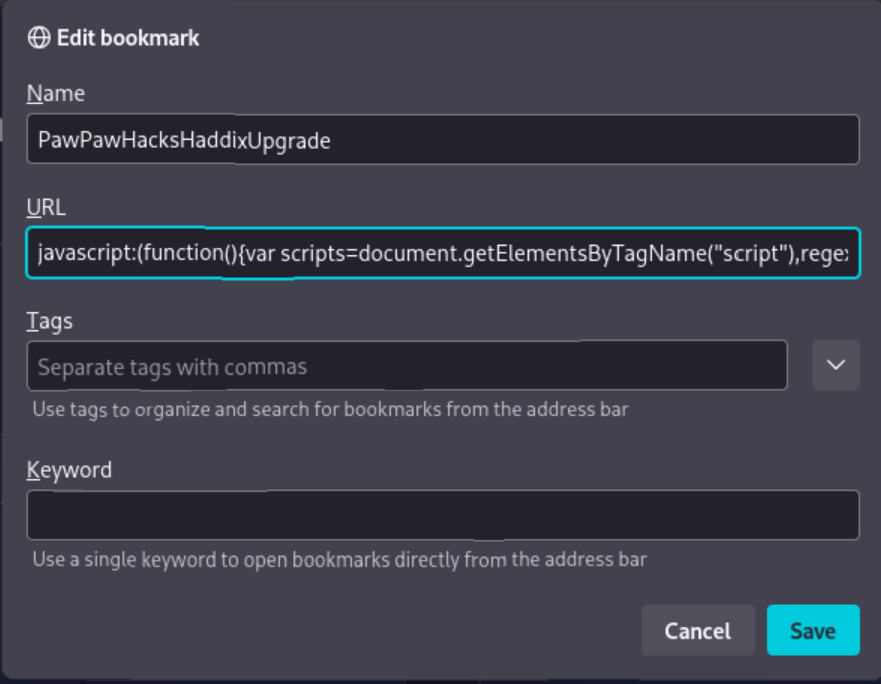
f) Now, to use the "Bookmarklet", make sure your browser is at the home page/main page of the app. Once you are there, just click on the new Bookmark, give it a few seconds, and you should see a new window pop-up with a list of Endpoints:

g) Next, all you have to do is click the green "Copy Endpoints" button, and then the blue "Close" button:

h) Now, just open up a text editor and dump your new list of endpoints out.
i) It's been my experience from being on the BugForge platform for a couple of months now, you want to look through the endpoints for keywords such as: flag, admin, login, etc.

j) For this example (which BTW is from one of my favorite CTF platforms, BugForge), once you get the Bookmarklet up and running, just copy-out the EndPoints it finds, and you will see that it discovers an endpoint called: "/api/admin/flag".
k) Now, drumroll please...in the "Request" pane of your Caido "Replay" window, make the following change to the first line of your "Request":
GET /api/stocks HTTP/1.1
to:
GET /api/admin/flag HTTP/1.1
l) Hit the red "Send" button, and you should see the flag in the "Replay" "Response" pane!!!!!
{ "flag": "bug{********************************}" }
References:
PawPawHacks/Tom Fieber Bookmarklet Update: https://gist.github.com/tomfieber/9c3da63ab39d0017e7fed752be6d2330
Jason Haddix EndPoints Bookmarklet:
##### End of Report #####