BugForge Write-Up 3/24/2026
- icanhaspii
- Mar 24
- 2 min read
BugForge Daily Challenge 3/24/2026 - CopyPasta
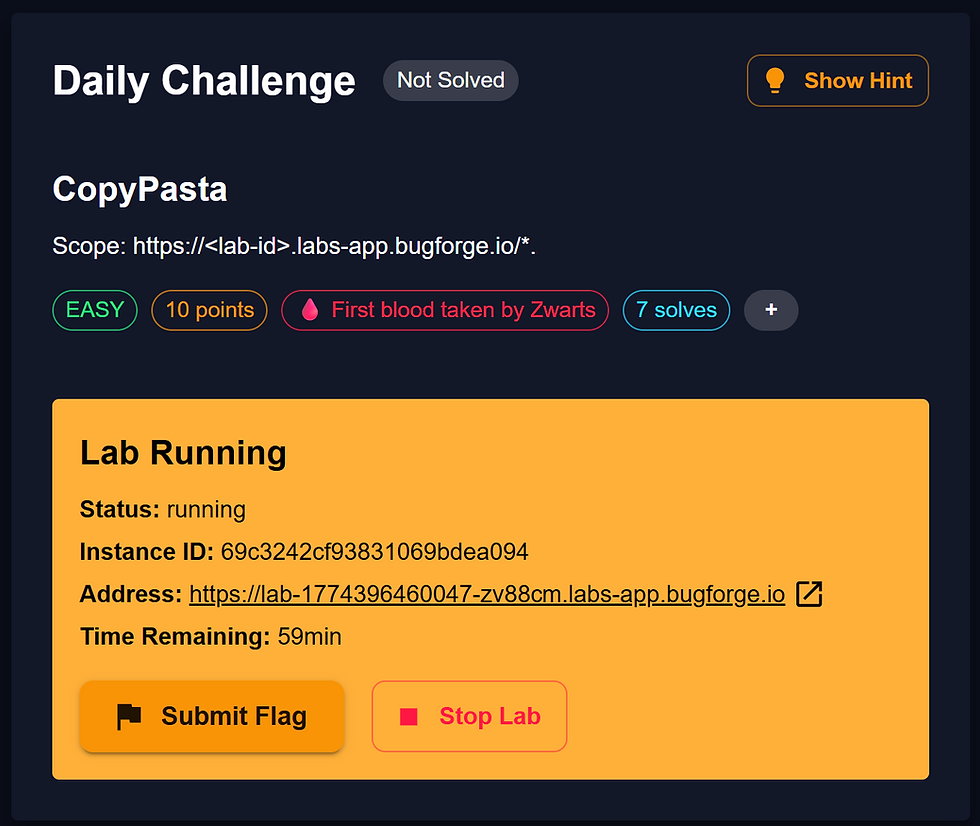
HINT: Broken Access Control.

Note:
If there is an admin account active for a lab, the credentials are admin:admin123
I launched Caido.
I checked to see if there was an admin login using the set/known creds, and there was. I logged out of that for now.
Following along with the video walkthrough from @PawPawHacks/Tom Fieber, he said that you will want to create two user accounts for this challenge, so that's the first thing I did. To create two accounts, I made one user account (Tester1), and then I launched a "New private window":

Once in the new private window, I copied my given BugForge URL, hit "Enter", and then created a second user account (Tester2):

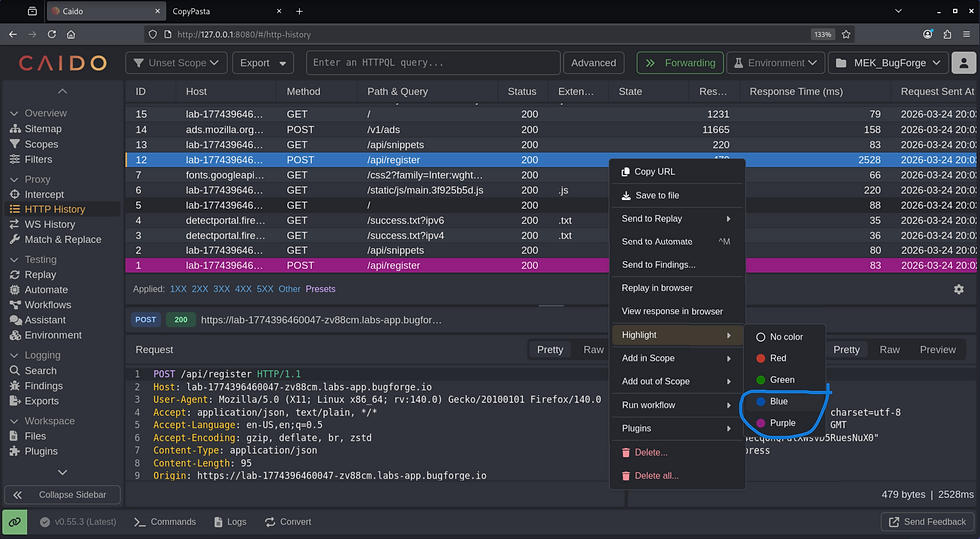
Over in my Caido proxy window, I color-coded my Tester1 traffic in purple, and Tester2 in blue:
Once logged in, the platform behaved a lot like PasteBin:

I poked around a bit, trying to see everything I could do with the app and generating some traffic to view via the proxy. I created some "Snippets", made some "Public", and then went into the "Profile" for Tester1 and under "ACCOUNT SETTINGS", I added a Bio plus I also changed the password:


Now, over in my Caido proxy window, I found the traffic for when I registered my two user accounts ("POST /api/register"), and noted in the "Response" pane, that Tester1 had an ID of "5", and Tester2 had an ID of "6":


Next, over in my Caido proxy window, I found the "PUT /api/profile/password" traffic from when I changed the password, so I highlighted that line and right-clicked and selected, "Send to Replay -> Default Collection":

Now, over in the "Replay" tab, I hit the "Send" button so that I had a baseline of what the traffic "Response" looked like:

Still in the "Replay" tab, I changed the id from "5" (Tester1), to "6" (Tester2's id), essentially changing the password for Tester2 once I hit the red "Send" button:

Next, I logged out of both accounts (just to be safe), and then logged back in using the other Tester2 account with its new updated password.
Lastly, I browsed to the main page for the Web app and there was the flag!

bug{********************************}
##### End of Report #####